ET Soulmates ~ A True Galactic Love Story
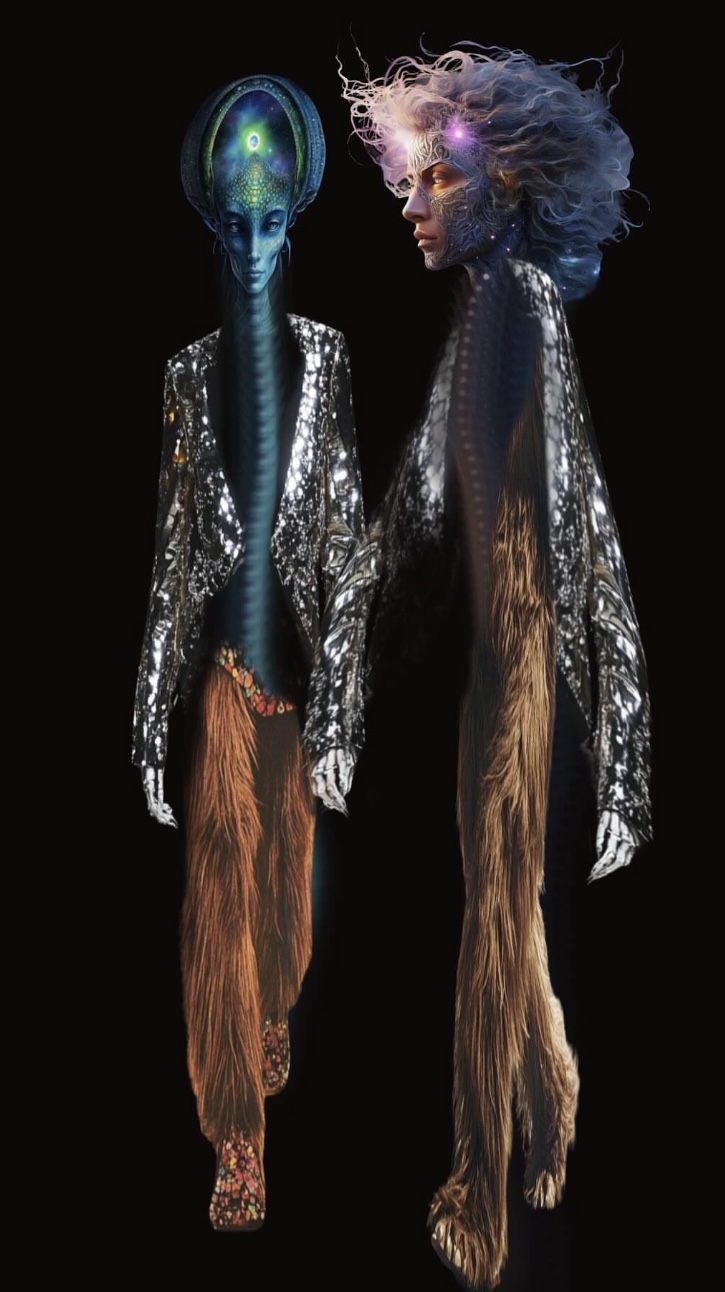
🌟 How to Use Procreate, Midjourney & Canva to Create Characters, Fashion & Videos
In today’s creative universe, digital tools have turned imagination into something you can literally paint, style, and animate. Whether you’re designing fashion collections, fantasy characters, or visual stories, three platforms—Procreate, Midjourney, and Canva—stand out as a dream trio for creators who want to bring their ideas to life with flair and ease.
Let’s explore how to use each of them, and how to combine their strengths into one seamless creative workflow.
🤖 1. Midjourney: The AI Muse
Best for: Generating creative concepts and visual inspiration
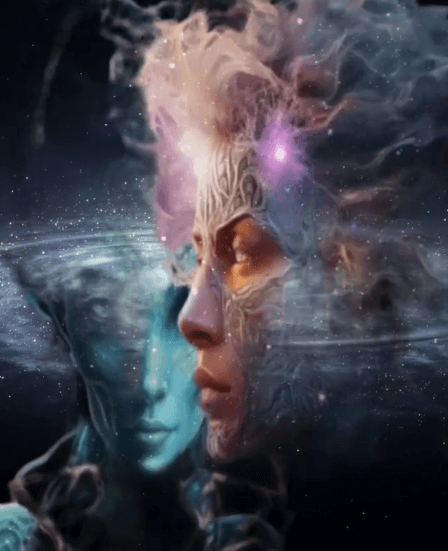
Midjourney, the AI image generator on Discord, is a goldmine for visual brainstorming. You can type a simple prompt like “futuristic elf queen wearing iridescent armour, cinematic lighting” and watch it create breathtaking imagery in seconds.
How to use Midjourney in your workflow:
- Fashion Inspiration: Generate patterns, outfits, or entire fashion collections from descriptive prompts.
- Character Design: Create moodboards or concept art to refine your ideas before you draw.
- World-Building: Design environments, textures, and props to give your characters or stories a setting.
Once you’ve created something inspiring, save the image and bring it into Procreate for refinement or stylisation.
✨ Pro tip: Use the --ar command (aspect ratio) to tailor your images for fashion boards, portrait shots, or social media layouts. For example, --ar 9:16 works perfectly for video story formats.
💡 2. Canva: The Storyteller’s Studio
Best for: Layouts, branding, and video creation
Once your characters and designs are ready, Canva becomes your creative stage. It’s where your visuals transform into polished stories, lookbooks, or short videos.
How to use Canva with Procreate and Midjourney:
- Import PNGs from your MidJourney saves: Place your transparent illustrations on Canva backgrounds to create product mockups or character showcases.
- Add visuals: Use them as backdrops, cover art, or design elements.
- Create motion: Canva’s animation tools let you turn still designs into dynamic video content—perfect for Instagram Reels, YouTube Shorts, or fashion portfolio intros.
- Add text & sound: Combine elegant typography with music or voiceover to give your visuals a professional finish.
- Save as transparent PNGs.
✨ Pro tip: Use Canva’s Magic Animate and Beat Sync features to effortlessly align movement and music for an engaging final result.
.
🎨 3. Procreate: The Artist’s Playground
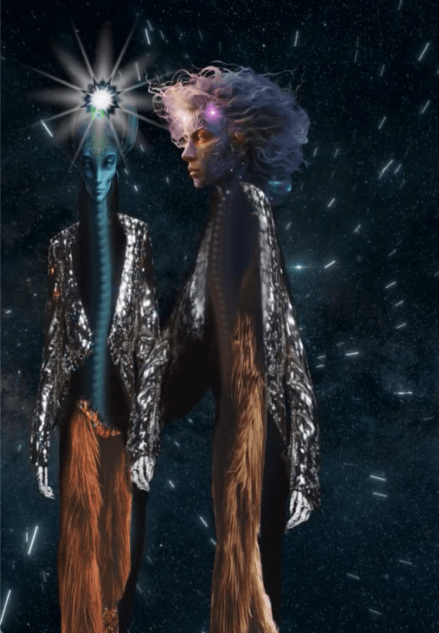
Best for: Drawing, painting, and detailed illustration
Procreate is a powerhouse app for iPad that gives you the feeling of traditional drawing with all the freedom of digital art. It’s especially loved by illustrators, fashion designers, and concept artists for its intuitive brushes and layers.
How to use Procreate for character and fashion design:
- Insert file: Upload your Canva transparent designs as you need them onto Procreate.
- You can also draw your own designs from scratch: Use the Pencil Brush for clean lines or try custom texture brushes to mimic fabrics, hair, or skin tones.
- Add color & texture: Experiment with blending modes and clipping masks for realistic shading and highlights.
- Create fashion templates: Draw your own fashion figures (or use pre-made croquis) and overlay your clothing designs with adjustable opacity.
- Export your art: Save as PNG with transparent background to use later in Midjourney or Canva.
✨ Pro tip: Organize your brush sets by theme—like “Hair,” “Fabric,” “Accessories”—to make designing faster and more enjoyable.
🪄 4. Bringing It All Together
Here’s a simple creative workflow you can try:
- Start in Midjourney – Generate concept art for your character or outfit.
- Move to Canva, then onto Procreate – Sketch, refine, and paint over your AI concept to make it uniquely yours.
- Finish in Canva – Combine your artwork with text, branding, and motion to share it with the world.
This trio bridges the gap between inspiration, creation, and presentation. You can dream in AI, draw by hand, and share with professional polish—all without needing complex software.
🌈 Final Thoughts
Creativity today isn’t about mastering one tool—it’s about blending tools to express your unique vision.
Procreate gives you artistic control, Midjourney fuels imagination, and Canva helps you communicate and share your creations beautifully.
So whether you’re designing cosmic fashion lines, original characters, or stylish video edits—these three platforms can help you transform your creative spark into something unforgettable.
Leave a Comment